DocSpeech: Text to speech book0.3.9
Publisher Description

Text-to-speech reader books, pdfs, documents. Read aloud + voice-over bookshelf.
ONLY FOR ENGLISH LANGUAGE
Text-to-speech + reader for books & documents. Read aloud + voice-over bookshelf.
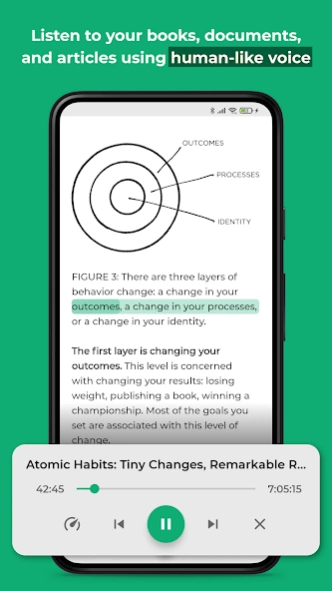
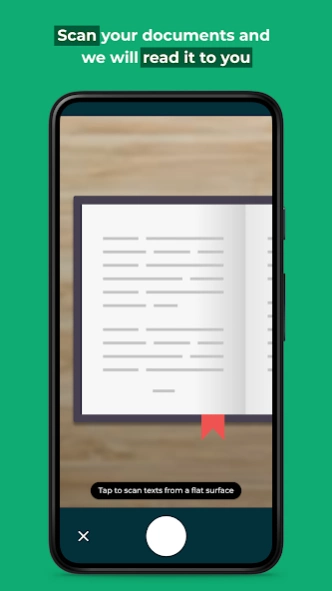
DocSpeech is a text to speech app for reading aloud books, documents, articles, etc. You can read and listen to any PDF, EPUB, or text while the app will highlight live text transcriptions. Manage your bookshelf and read aloud your library items using voice-overs with text highlighting. This will allow you to start reading 2x faster because reading + listening makes you learn faster. Extremely helpful for dyslexia or dyslexic conditions too.
FEATURES
📖 Read any book/document faster by listening while reading
🎤 Soothing human-like voice generated with AI
🌐 Read on the go, it works offline
💼 Listen to audiobooks while working or cooking
📚 Manage your bookshelf
HOW IT WORKS
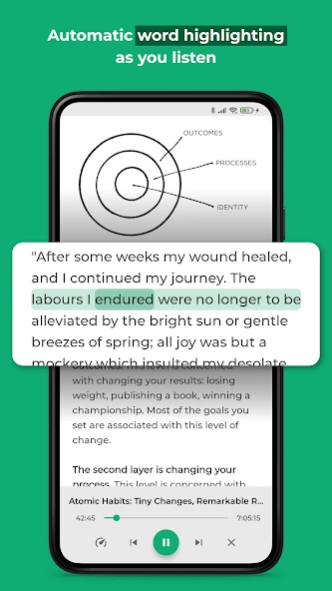
You just import a document and start listening + reading like an audiobook but with text highlighting. The real-time live transcription works like lyrics where it will highlight the words you are listening to in the document.
DocSpeech is perfect if you want to quickly finish reading a book with minimal distraction. Our AI-based speech engine generates a human-like voice and it feels like an audiobook plus the word highlighting.
About DocSpeech: Text to speech book
The company that develops DocSpeech: Text to speech book is DocSpeech - AI Text to Speech. The latest version released by its developer is 0.3.9.
To install DocSpeech: Text to speech book on your Android device, just click the green Continue To App button above to start the installation process. The app is listed on our website since 2022-07-17 and was downloaded 3 times. We have already checked if the download link is safe, however for your own protection we recommend that you scan the downloaded app with your antivirus. Your antivirus may detect the DocSpeech: Text to speech book as malware as malware if the download link to com.docspeech.docspeech is broken.
How to install DocSpeech: Text to speech book on your Android device:
- Click on the Continue To App button on our website. This will redirect you to Google Play.
- Once the DocSpeech: Text to speech book is shown in the Google Play listing of your Android device, you can start its download and installation. Tap on the Install button located below the search bar and to the right of the app icon.
- A pop-up window with the permissions required by DocSpeech: Text to speech book will be shown. Click on Accept to continue the process.
- DocSpeech: Text to speech book will be downloaded onto your device, displaying a progress. Once the download completes, the installation will start and you'll get a notification after the installation is finished.
Program Details
System requirements
Download information
Pricing
Version History
version 0.3.9
posted on 2022-07-17
Improve stability and speed of document playback
